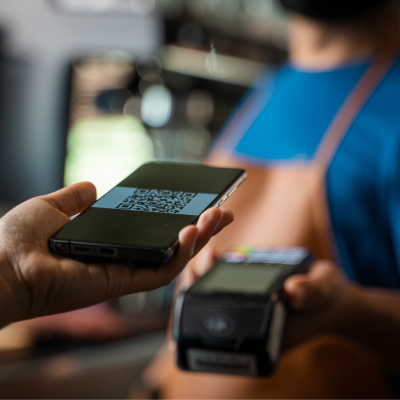

Quick, secure, simple
Google Pay offers a fast, secure way to buy online, in stores, or through apps with Google's encryption.Stay protected while purchasing with encrypted security by Google.
Add Citizen Money card to Google pay
Add your Citizen Money card to Google Pay in seconds. Just head to the Card section of your Citizen Money app, tap the 'Add to Google Pay' button and follow the instructions. That's it!
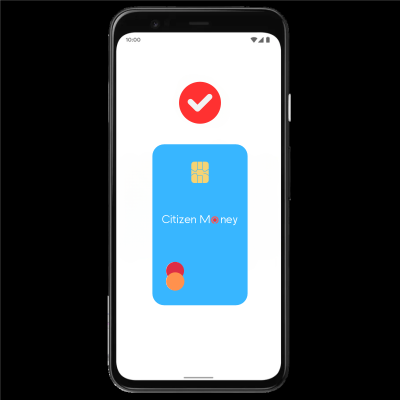
Pay with Google Pay
Buy on the web and in apps anywhere that Google Pay is accepted.
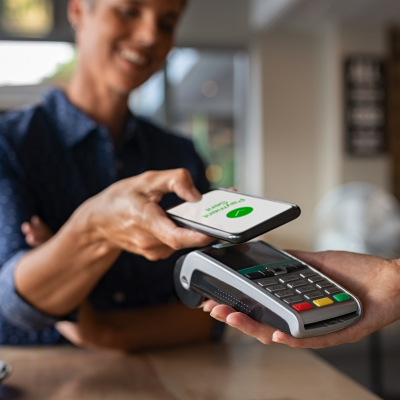
Contactless payments
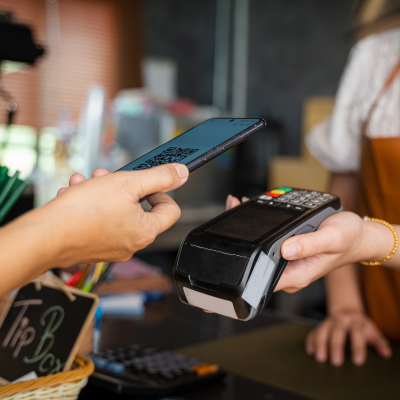
Make fast, card-free payments anywhere contactless payments are accepted — just look for the contactless symbol.
Safe, private and hassle-free
With multiple layers of advanced security infrastructures, your Citizen Money payments when using Google Pay are always kept private and protected.
Stress-free setup
Quickly add your Citizen Money card to Google Pay and start shopping the simple way.
Easy, quick, safe
Pay safer and faster using your Citizen Money card with Apple Pay. It’s the easy, secure, and private way to pay.
Setting up Apple Pay with Citizen Money
To quickly add your Citizen Money card to Apple Pay, go to the card screen in the Citizen Money app and tap ‘Add to Apple Wallet’.
Shop online
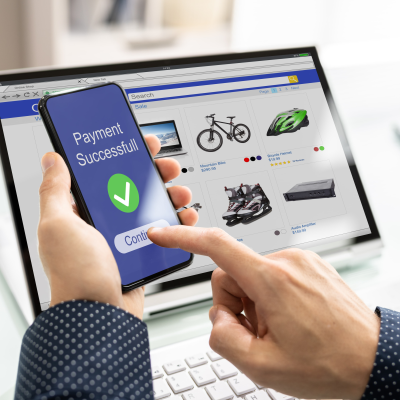
Easily add your Citizen Money card to Touch ID enabled MacBooks and enjoy instant and secure payments online.
Pay without a card
Pay quickly without the hassle of using a card — and completely avoid the contactless limit.
Secure, private, simple
Your Citizen Money payments are now safer with Touch ID or Face ID biometric recognition.
Fast setup
Add your card to Apple Pay. Setup is simple and easy.